A multifunctional device (MFD) is a single machine that prints, copies and scans. Most commercial models also send scans straight to email, cloud storage or a document management system. It does the job of three devices.
Whether you need one depends on how your business works, not just how much it prints. If your team scans documents, shares devices across departments or handles confidential paperwork, an MFD usually makes sense. If you print occasionally from one desk, a simple printer may be enough. Price shouldn’t make the decision, rather how your business operates. Below, we explain how MFDs differ from photocopiers, which features matter in an office and how to tell whether one is right for you.
What is a multifunctional device?
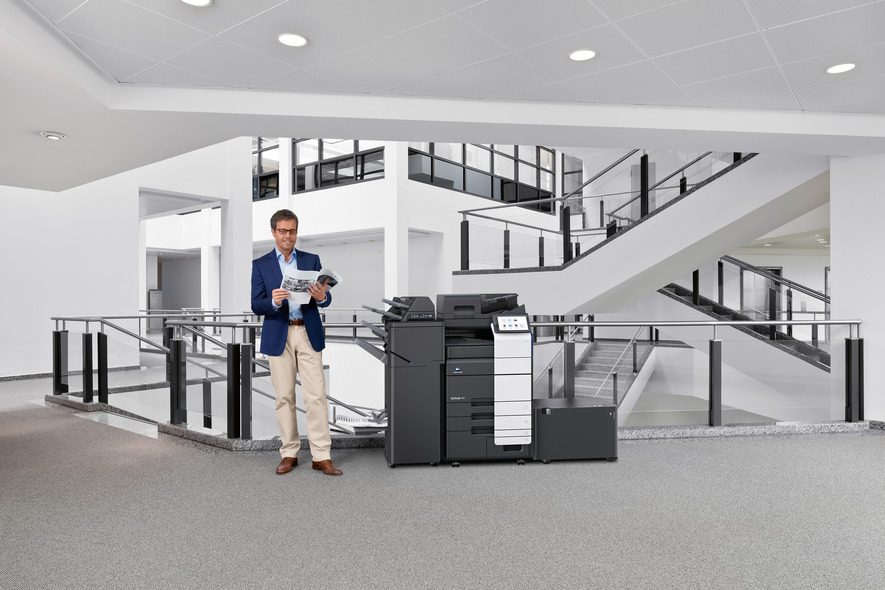
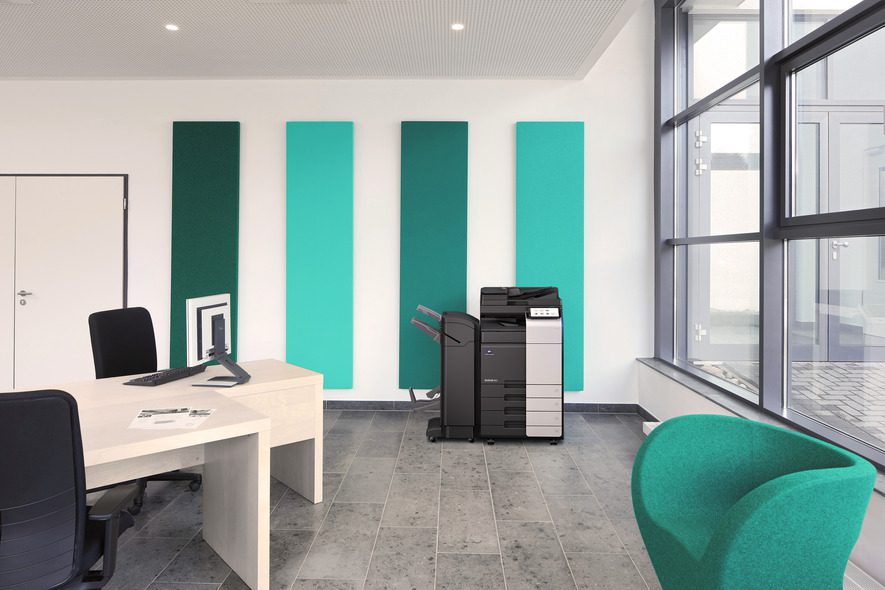
You’ll see MFDs described in several ways such as a multifunction printer (MFP), all-in-one, or simply ‘the copier’. They all mean broadly the same thing. A networked device that prints, copies and scans, shared by the people around it.
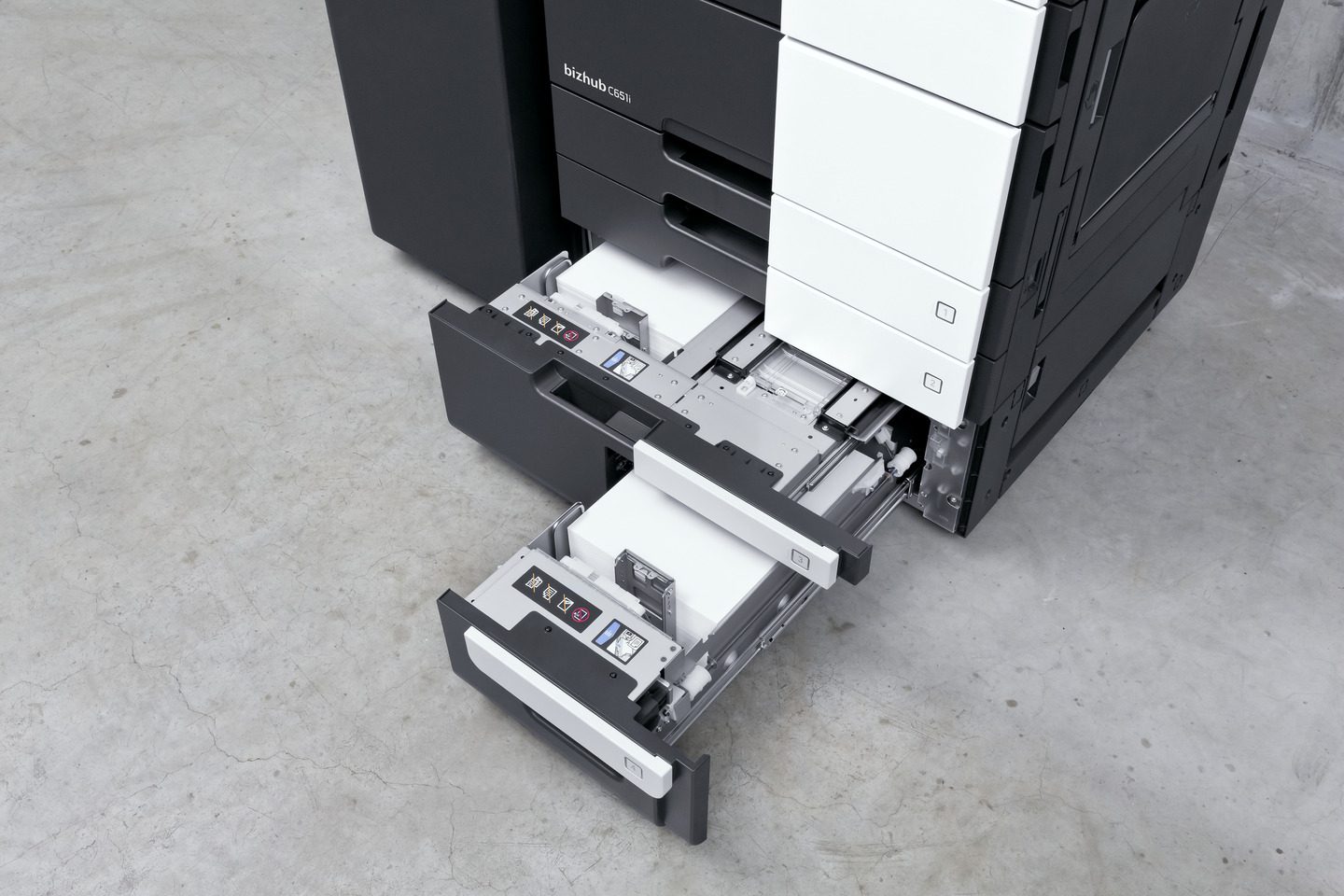
Business MFDs go further than stand alone printers or copiers. They connect to your network, scan directly to email or cloud storage, hold print jobs until the right person releases them and often finish documents with stapling or hole punching. They’re built for shared use and they also handle far higher volumes than a desktop printer with extra paper trays to meet demand.
MFD vs photocopier: what’s the difference?
Very little, in most offices. The machine people call ‘the photocopier’ is usually an MFD. The difference lies in connectivity and software, not in the copying itself.
| Device | What it does | Typical use |
| Traditional photocopier (quite uncommon these days) | Copies | Copying paper originals |
| Desktop printer | Prints | One person or a small team |
| Multifunctional device (MFD) | Prints, copies, scans and sends | Shared office use and scanning workflows |
If you’re replacing an old copier, you’re almost certainly choosing an MFD.
What an MFD can do for an office
Fewer devices to look after
One MFD can take the place of multiple printers, a copier and a scanner. That means fewer consumables, fewer service visits and less floor space (and less to go wrong, too). Fewer devices also means less waste, which we cover in our guide to how much your business is wasting on print.
Scanning that feeds your workflows
Modern MFDs scan straight to email, cloud storage or a document system. Dual-scan document feeders read both sides of a page in one pass, so large batches move quickly. For businesses moving away from paper files, the MFD becomes the starting point for document management.
In short – Paper goes in. Digital files come out. Our cloud print and scan service extends this to the cloud.
Control over who prints what
Paired with print management software, an MFD reports usage by user, department or device. It can apply rules, such as mono and double-sided by default, and hold jobs until the right person signs in to release them. Nothing sits on the output tray.
Finishing
Many MFDs can staple, hole punch and fold (producing full booklets). For teams that put together reports, proposals or training packs, that can save a trip to an outside printer.
A3 or A4: which size do you need?
A4 MFDs are compact and suit most office documents. A3 devices handle larger documents, such as plans, large spreadsheets and posters. They usually offer higher speeds and more finishing options, so choose by what you print most.
Teams producing technical drawings, in sectors such as construction or manufacturing, may need a wide-format plotter or MFD as well. That’s a separate device. It’s built specifically for large plans and drawings. Lynbrook supplies a comprehensive range of print devices to suit different working environments, from A4 mono and colour printers to A3 multifunction devices (MFDs), wide-format plotters and wide-format MFDs.
Choosing the right device depends on how it will be used, the volume of printing required and the needs of the people using it. For example, a shared workgroup MFD may be ideal for teams regularly printing large spreadsheets, detailed reports or A3 drawings, while a single-user office may only need a compact A4 printer. Our approach is to match the right technology to your requirements, ensuring your print fleet is practical, reliable and cost-effective, without paying for capacity or features you don’t need.
Does your business need an MFD? Six signs
- You run separate printers, copiers and scanners. One MFD could replace them.
- Your team scans documents regularly. Invoices, contracts, delivery notes or HR records.
- Several people share devices. MFDs are built for shared, networked use.
- You print personal or confidential information. Secure release keeps documents off the tray until the right person collects them.
- You want to know who prints what. Usage reporting needs a networked device and software.
- Your current devices are ageing or unreliable. Replacement is a good time to consolidate.
The more of these apply, the stronger the case for an MFD.
When an MFD isn’t the right choice
An MFD isn’t always the answer. A desktop printer may suit a smaller office where a single person just prints. Very low volumes rarely justify a shared machine. Specialist output, such as wide-format drawings, needs its own device. Many offices end up with a mix. MFDs handle shared work, with the odd desktop printer where it makes sense.
We’re seeing a growing shift away from individual desktop printers towards strategically positioned workgroup multifunction devices (MFDs). By consolidating printing, copying and scanning into shared devices, businesses can often reduce running costs, simplify management and make better use of their equipment.
However, desktop A4 printers still have an important role in the right circumstances. They may be the best option for employees who work remotely from the rest of the team, print only occasionally, need the convenience of a dedicated printer, or have no requirement for copying and scanning. They can also be necessary where the building layout or available space makes installing a shared MFD impractical.
Our print audit considers both your people and your premises. We speak with individual users to understand their working practices and printing requirements, while assessing the building layout and available space. This allows us to recommend the right balance of desktop printers and shared MFDs for your business, improving convenience and efficiency while helping to control costs.
MFD security: the hard drive question
Many MFDs store data. Scanned and printed documents can be held on an internal drive, sometimes long after the job is finished. When a device is replaced, that drive needs wiping or destroying. The National Cyber Security Centre outlines several use cases where data has been recovered from decommissioned photocopiers and printers.
Ask any supplier how they handle stored data at the end of a device’s life and get the answer in writing.
When an MFD is returned to Lynbrook, our first priority is to ensure that any customer data stored on the device is securely removed.
We follow a manufacturer-approved, two-stage data-cleansing process. First, the machine is initialised to remove stored data, settings and user preferences. This is followed by a full reformat of the hard disk drive (HDD), in accordance with the manufacturer’s recommended procedure.
This process helps ensure that customer information is not retained on returned equipment, protecting confidentiality and supporting our commitment to maintaining high standards of data security. Our GDPR and print security page covers the wider steps.
How to choose the right MFD
A price per page tells you very little about whether a device fits. Start with how your team works.
- Volume: how many pages you print and scan each month. Our print waste check shows how to measure it.
- Colour or mono: whether colour is needed for everyday work or occasional jobs.
- Paper sizes and finishing: A4 or A3, and whether you need stapling or booklets.
- Scanning: where scans need to go, and how often.
- Security: secure release, user sign-in and how stored data is handled.
- Space: where the device will sit, and who will walk to it.
- Support: who fixes it, and how quickly.
Lynbrook supplies multifunctional devices and printers
from manufacturers including Konica Minolta, Ricoh and Lexmark. Your print audit decides the right model. If you’re weighing up whether to buy or lease, our guide to managed print vs buying or leasing your own printers compares the options.
Choose for fit, not price
The right MFD is the one that fits how your team prints, scans and shares documents. A cheaper machine that doesn’t fit costs more in time and frustration. A print audit looks at how you work and recommends the right devices for each space. Sometimes that means fewer machines. Book a free print audit to find out what fits.
Frequently asked questions
Is an MFD the same as a multifunction printer?
Yes. MFD, MFP, multifunction printer and all-in-one all describe a device that prints, copies and scans. Business models add network connectivity, scan-to-email and secure release.
How long does an MFD last?
The working life of a multifunction device (MFD) depends on several factors, including its print volume, overall condition and continued availability of parts and consumables. It is also important to consider whether the device remains compatible with the technology it connects to, including current operating systems, software and security requirements.
Even if a device is still producing good-quality prints, it may no longer be the most reliable, efficient or secure option for your business.
As part of a Lynbrook print audit, we assess your existing equipment to help determine whether it remains fit for purpose or whether upgrading could improve reliability, efficiency and long-term value.
Can an MFD scan to the cloud?
Most business MFDs can. Scans can go straight to cloud storage, email or a document management system. No PC needed.
Do I need an MFD if I already have a printer and a scanner?
Not necessarily. If they work well and volumes are low, there may be no reason to change. If you’re looking after several devices, buying different consumables or replacing ageing kit, one MFD is usually simpler.
Should I buy or lease an MFD?
It depends. Cash flow, the support you need and how likely your needs are to change all play a part. Our comparison of buying, leasing and managed print out the trade-offs.